eero
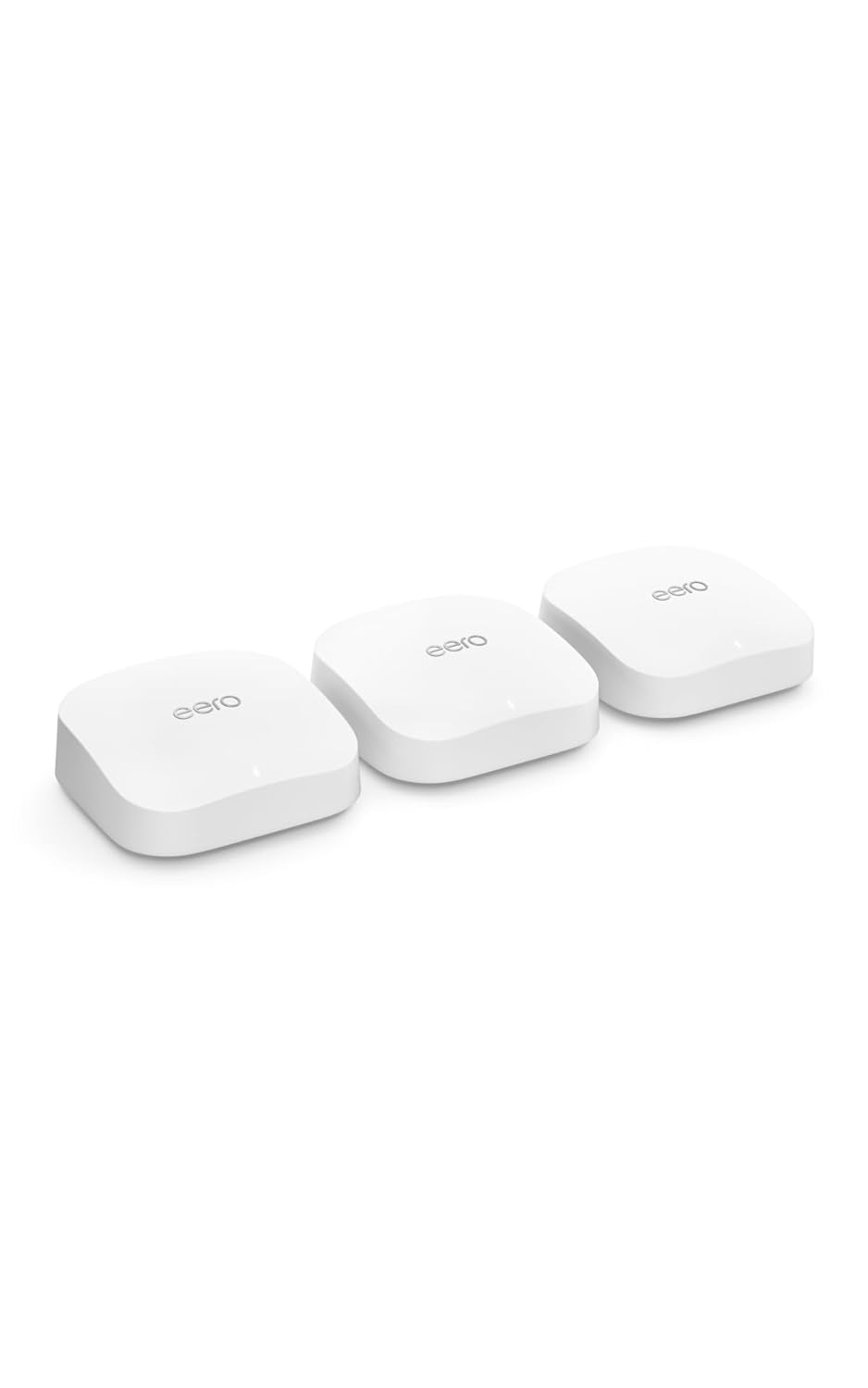
eero 7 Dual-Band Mesh Wi-Fi 7 Router, 3-Pack
Score
The eero 7 3-pack is a dual-band Wi-Fi 7 mesh router system made for shoppers who want simple whole-home coverage, faster modern wireless support, and easy app-based setup without moving into a premium tri-band system.
Why it stands out
- Dual-band Wi-Fi 7 mesh system for modern home networks
- Three-unit kit is listed for up to 6,000 sq. ft. of coverage
- Two auto-sensing 2.5 GbE ports on each eero 7 unit
As an Amazon Associate, we may earn from qualifying purchases.
Score Breakdown
Best For
It is best for homes that need broader Wi-Fi coverage, families with many connected devices, and buyers upgrading from an older router who want a clean mesh setup with 2.5 GbE ports and support for current Wi-Fi 7 features.
Tradeoffs to note
- Some advanced security and parental control features require eero Plus
Why We Like It
The eero 7 keeps the upgrade path simple: each unit has dual-band Wi-Fi 7, two auto-sensing 2.5 GbE ports, and app-guided setup. The 3-pack is positioned for larger coverage needs while still keeping the understated eero design and easy network management that many home users prefer. We also like that it works with existing eero systems and includes smart home hub support for Thread, Zigbee, and Matter controller use with Alexa. It is not the most advanced Wi-Fi 7 mesh system in eero's lineup, but it is a practical step up for everyday streaming, browsing, video calls, downloads, and smart home use.
What Buyers Notice
Public buyer feedback commonly highlights easy setup, clean design, improved coverage, and reliable everyday speed. Some shoppers also note that advanced controls are tied to eero Plus, so it is worth checking which app features matter most before choosing.
Who Should Buy It
Buy the eero 7 3-pack if you want a simple Wi-Fi 7 mesh system for a larger home, prefer app-guided setup, and value reliable coverage more than advanced enthusiast router settings.
Detailed Review
Design and setup: The eero 7 follows the familiar compact eero design, which makes it easy to place around the home without drawing attention. Setup is handled through the eero app, so most buyers can create or expand a mesh network without digging through complicated router menus.
Wireless performance: This is a dual-band Wi-Fi 7 system using 2.4 GHz and 5 GHz bands. It supports Wi-Fi 7 features such as multi-link operation for compatible devices, while the listed wireless speed is up to 1.8 Gbps. Actual results will depend on your internet plan, home layout, device compatibility, and where each node is placed.
Coverage and ports: The 3-pack is listed for up to 6,000 sq. ft. of coverage, and each eero 7 includes two auto-sensing 2.5 GbE ports. That is useful if you want a faster wired connection to a modem, switch, desktop, console, or other wired device.
Smart home and software: eero 7 can work with previous eero generations and supports Thread, Zigbee, and Matter controller functionality with Alexa. The app is simple and approachable, but shoppers who want deeper parental controls, ad blocking, VPN, or advanced security should review the optional eero Plus features.
Overall: eero 7 is a strong fit for buyers who want a straightforward Wi-Fi 7 mesh upgrade with broad coverage and easy setup. It is less suited to users who want the extra 6 GHz band or the higher wireless ceiling of eero Pro 7 or eero Max 7.
FAQ
Is the eero 7 3-pack a Wi-Fi 7 system?
Yes. eero 7 supports Wi-Fi 7, but it is a dual-band system using 2.4 GHz and 5 GHz rather than a tri-band system with 6 GHz.
How much coverage does this 3-pack provide?
The 3-pack is listed for up to 6,000 sq. ft. of coverage. Real coverage can vary with walls, floors, placement, and interference.
Does each eero 7 have Ethernet ports?
Yes. Each eero 7 unit includes two auto-sensing 2.5 GbE ports that can be used for WAN or LAN connections.
Can eero 7 work with older eero devices?
Yes. eero 7 is backward compatible with previous eero generations, so it can be used to expand an existing eero network.
Do I need eero Plus to use this router?
No. Basic setup and Wi-Fi management work without eero Plus, but some advanced security, ad blocking, VPN, and parental control features require the optional subscription.